1
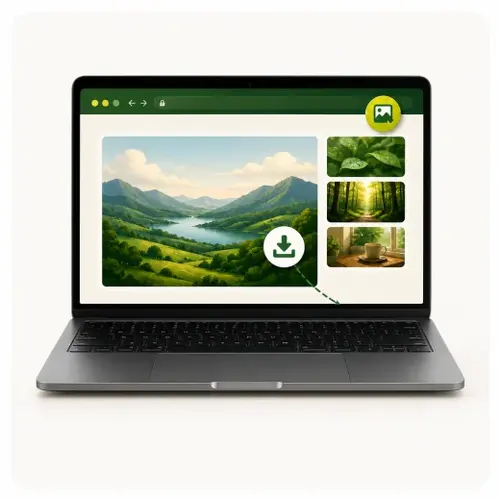
Right-click image
Right-click any image and Save it as
PNG
JPG
PDF
Fast. Local. Simple.
2
" "3
Check DownloadsTry it here

 Right click
Pro feature
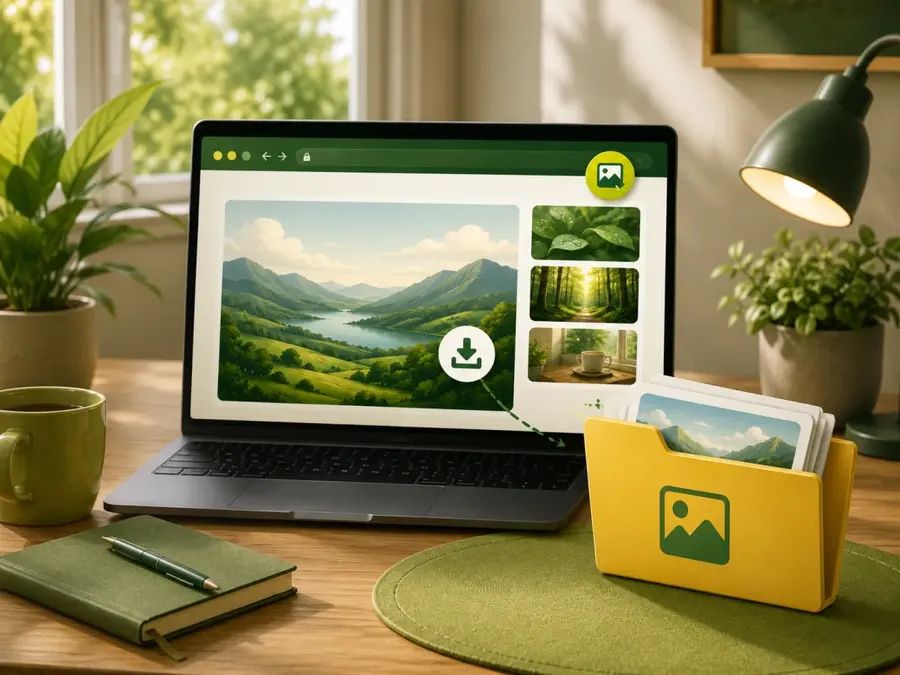
Save all images (at once)
1
Right-click on page2
Choose "Save all images"3
Pick options & Download